
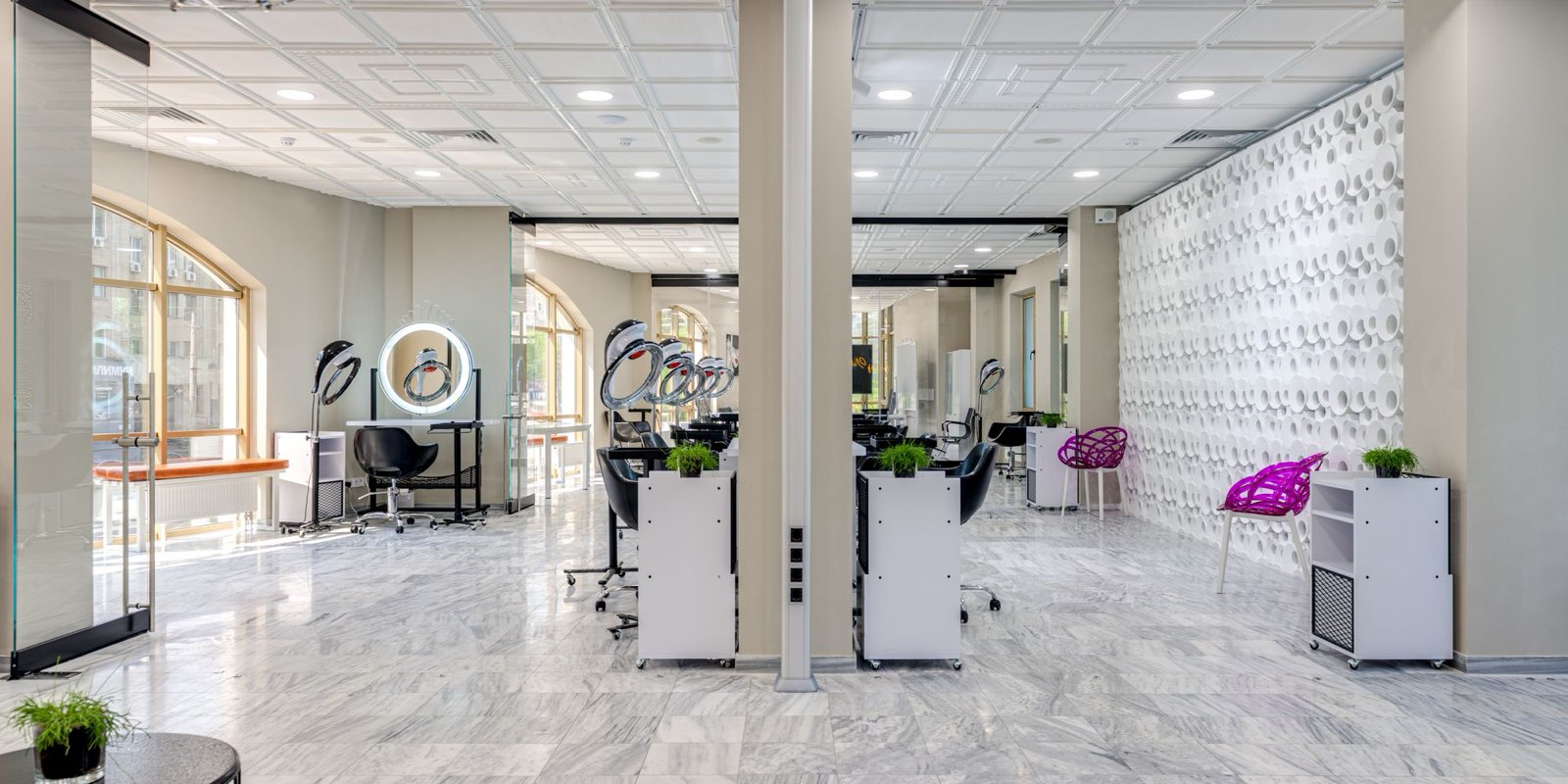
CalGest is out. It is scheduling and client records for personal-service businesses, and by that we mean something narrower than "service businesses" in general. Salons, barbershops, tattoo studios, personal trainers, non-clinical aesthetics, massage therapists and coaches. Trades where the same person comes back, and where what happened last time decides what happens this time.
Why this exists
The pattern repeated in every conversation we had. A WhatsApp group for the schedule, a spreadsheet somebody maintains grudgingly, a paper book at the front desk, and reminders sent by hand when there is a spare minute. There usually is not a spare minute.
The worst part was never the scheduling. It was the history. A stylist knows the formula. A barber knows the guard numbers. A trainer knows which shoulder to avoid. All of it lives in one person's head, and when that person is out sick on a Tuesday, the business gets amnesia.
Most scheduling tools were built for meetings between colleagues. They handle a shared room and a recurring standup well. They have nothing to say about a six-session protocol, a color formula from four visits ago, or a client who needs a text the day before or she will not turn up.
What you get
A calendar built for a team, not a person
Week, day, month, agenda and team views. Drag an appointment to move it, pull the edge to change the duration, tap an empty slot to create one. Every change is on every other screen immediately, desktop or phone.
Appointments carry the color of their type, which is what makes a full Saturday readable at a glance. Filter by employee, location or type when you need to narrow it down.
Online booking
Every organization gets a public booking page on its own link. Clients pick a service, a professional and a time. You control which services show, which hours are open, and whether a booking confirms straight away or waits for you to approve it.
The page reads live availability, so a taken slot never appears. No website required. Most shops put the link in their Instagram bio and leave it at that.
Client records worth opening
Visit history, upcoming appointments, custom fields, attachments and internal notes, all searchable.
The custom fields are the part that makes this fit a trade instead of approximating one. Text, number, yes-no and list fields, scoped to the appointment types where they belong. Pin the ones that matter to the top of the record, and allergies or contraindications show up in amber before you start work. A salon pins the base level and the PPD allergy. A tattoo studio pins the medical intake and the Fitzpatrick skin tone. A trainer pins the shoulder.
Marta Ferreira
91x xxx xxx
Before you start
Fields pinned to the profile
- PPD allergy
- Yes. PPD-free color only.
- Base level
- 6, warm
- Next
- Sat 14, 10:00
- Last
- 21 Feb
- Visits
- 23
Recent notes
21 FebRita
Roots with the PPD-free line, 35 min. Toner on the lengths.
10 JanAna
Cut, 2 cm off. Wants to go lighter in spring.
Series for work that runs across sessions
A twelve-week training block, a six-session facial protocol, a back piece across five sittings. These are one piece of work, not five unrelated bookings, and a Series is how the product says so. The record shows session 4 of 6 with a progress bar and every note from the sessions before it.
Facial protocol
In progressInês Costa
Steps, the plan in order
Session 17 Jan
First peel, mild. Some redness, gone by the evening.
Session 221 Jan
Skin calmer. Kept the same strength.
Session 34 Feb
Stepped up one level. No reaction.
Session 418 Feb
Even tone on the cheeks. Two sessions to go.
Team management and permissions
Everyone who works with you goes on one team list. Each person gets a calendar, a login, or both, so the stylist who never opens the app still has a column in the agenda. Four roles for the people who sign in. The Owner has full access, and Admin, Manager and Employee each have a permission matrix you can adjust. You decide who books, who edits client data, who manages the team, and give the access the job needs and nothing more.
Automated notifications
A no-show is an hour of your day, sold to nobody. CalGest sends your clients confirmations and reminders by SMS and email, with templates you write or ready-made ones you pick. You choose the channel for each kind of message, and when reminders go out, from 30 minutes to 2 days before.
The plan includes 250 SMS a month to Portuguese numbers for the first person who takes bookings and 100 for each more, shared by the team, for reminders, confirmations, changes and aftercare. One SMS holds 160 characters, or 70 once a letter like ã or ç or an emoji appears, and a longer message counts as 2 or 3. Accents are removed by default, so a typical message is one SMS. Past the allowance, each SMS costs 4 cents from credits. With no credits left, a reminder or confirmation goes by email instead, if the client has an email address and you haven't turned that off. Aftercare SMS never switch to email. Credits also pay for numbers outside Portugal, in packs from 10 euros that never expire. There are no bonus tiers on bigger packs, because you should pay for what you get. Email costs nothing.
There is also aftercare, which fires after a session rather than before it. You set it per appointment type. Pick the offsets, say 24 hours and 7 days, pick SMS, email or both, write the template once, and it goes out from every session that actually happened. Cancellations and no-shows do not trigger it.
- Step 1:
Booking made
Confirmation
By email in a new account
- Step 2:
1 day before
Reminder
By SMS, moved out of quiet hours
- Step 3:
The day
Appointment
- Step 4:
24 hours after
Aftercare
If you set it up for this service
The messages one appointment can send. The first two use the channels a new account starts with.
Tracking and records
A trainer follows weight and a working lift. An aesthetics studio follows how the skin responded. Define your own metrics as numbers, ratings, yes-no or text, log them per client over time, and read the trend on a line, bar or area chart. Group them into categories so a record with two years of data still opens cleanly.
Mobile app
Coming soon. It is native on iOS and Android, with push notifications, and it is in testing now. Schedule, client records, notes, with the same live sync as the desktop. Being straight about it: there will be no offline mode at first, so a basement gym with no signal will not save the note until you are back in range.
Pricing
- One plan, 19 euros a month with one person who takes bookings, and every feature: unlimited clients and bookings, roles and permissions, up to five locations.
- 8 euros a month for each extra person who takes bookings. People who only sign in, like a receptionist, are free.
- Custom, when you pass 25 people who take bookings or five locations. That is a conversation, not a pricing page.
Each extra person who takes bookings also adds 100 SMS to the 250 the plan includes.
| People who take bookings | Monthly | Yearly | SMS a month |
|---|---|---|---|
| 1 | €19 | €190 | 250 |
| 2 | €27 | €270 | 350 |
| 3 | €35 | €350 | 450 |
| 5 | €51 | €510 | 650 |
What the plan costs as the team grows.
Prices exclude VAT.
Yearly billing is two months free: 190 euros a year, and 80 for each extra person. Fourteen days free to start, no card. We do not take a commission on your bookings, and we are not going to start.
What we are not building
Worth saying, because it saves you a trial. There are no in-app payments, so no deposits, no cancellation fees and no prepaid packages you redeem against. Class scheduling with a roster and a waitlist does not exist. Neither does booking a room as a resource. We are also not going anywhere near clinical territory: no prescriptions, no diagnostic codes, no validated outcome scales. Specialists already do that better than we would.
What is coming
Google Calendar and Outlook sync, business-level reporting, and API access. We ship updates here when they land, not on a quarterly schedule.
If something in your trade does not fit, tell us. We are still early enough that it changes what gets built.
Start a free trial. Fourteen days, no card.