
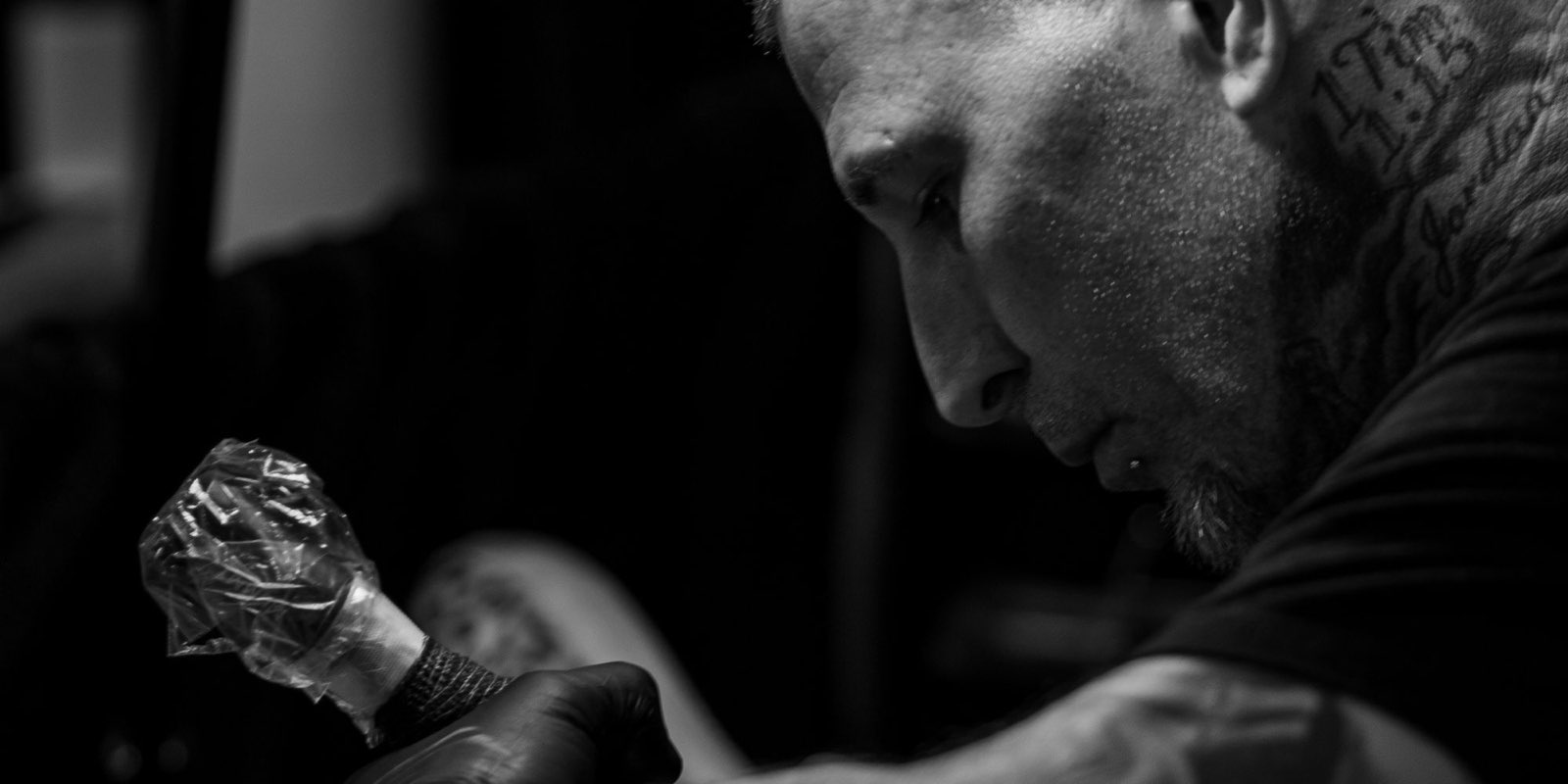
A back piece is not five appointments. It is one piece of work that happens to need five sittings. Every tattoo artist knows that. Almost every calendar disagrees, and shows five unrelated blocks with the same client name, spread across four months.
That gap is where things get lost. The note about which greys you mixed is on the appointment from February. The reference photo is in a WhatsApp thread. The client asks how many sittings are left and you count on your fingers. Same story in an aesthetics studio halfway through a six-session protocol, or for a trainer eight weeks into a twelve-week block.
Series is how CalGest says these belong together.
What a Series is
A Series is a project on a client's record with a set number of sessions. Every appointment booked into it is one session. The record shows where you are, 3 of 5 sessions, with a progress bar, and one tap opens the whole project.
Back piece
In progressJoão Pereira
Steps, the plan in order
Session 13 Feb
Outline, 3h. Stencil photo before, progress photo after. Liner and black noted.
Session 23 Mar
Shading, top half. Greys mixed from the same black. Healed well.
Session 331 Mar
Shading, bottom half. Good tolerance, stopped at 3h30.
Photos attach to the appointment and to the Series. References, the stencil, the progress shot at the end of each sitting. They open from the booking, not from four months of camera roll.
Session notes use the template for your trade, so a tattoo session has room for placement, needles and ink, and a facial asks about the product, the reaction and the interval before the next one. You set that up once. Rename what does not fit.
You can also give a Series a plan. Steps say what each session is for, in order, and each can carry a suggested window, such as three to five weeks after the previous step. The series page lists each step as To book, Booked or Done, with its sessions, their notes and photos, and warns when a booking falls outside the window. It never stops you booking. The Tattoo starter pack, under Starter packs in Settings, adds a Large project template to start from: a consultation, two sessions and a touch-up, each a few weeks after the last.
- Step 1:
Sitting 1
Outline
Three hours. Stencil photo before, progress photo after.
- Step 2:
3 to 5 weeks later
Shading, top half
- Step 3:
3 to 5 weeks later
Shading, bottom half
- Step 4:
3 to 5 weeks later
Background
- Step 5:
Once healed
Details and touch-up
The healed photo closes the Series at 5 of 5.
An example plan for a five-sitting back piece. You set the windows as suggestions, and the series page warns when a booking falls outside one.
What it looks like in practice
Tattoo. A client books the first sitting of a back piece. You create the Series, name it after the piece, set five sessions. Sitting one: outline, three hours, stencil photo attached before, progress photo after, a note saying which black and which needle. Sitting two, a month later: you open the Series and everything from sitting one is right there. You do not ask what you used. You know.
Aesthetics. A six-session protocol, two weeks apart. Each session's note records the product, the strength, and how the skin reacted in the 48 hours after. By session four you can see the pattern and adjust, and the client can see it too, which is what keeps her coming for five and six.
Facial protocol
In progressAna Ribeiro
Steps, the plan in order
Session 16 May
Peel at the lowest strength. Mild redness, gone within 48 hours.
Session 220 May
Same peel, one step up. Flaking on day two.
Session 33 Jun
Back to the first strength. No reaction.
Session 417 Jun
Same as session 3. Texture better in the photos.
Personal training. A twelve-week block, three sessions a week. The Series holds the notes; the metrics hold the numbers. Week nine, a new trainer covers. She opens the Series, reads the last four notes, looks at two charts, and runs a session that makes sense. The Personal training starter pack has a 12-week block template for this: an assessment, check-ins at weeks 4 and 8, and a reassessment at the end.
Coaching. A six-session program. Each session carries its agenda, what came up, and the actions agreed. Session three opens with session two's actions on the screen, so the first question is "how did that go" instead of "where were we".
Aftercare, per session
Aftercare messages send after a session, on the timing you choose. You pick one or more delays, counted from the end of the session, from one hour to thirty days, and the channels, SMS, email or both. You write one message per appointment type, and the same text goes out at each delay after every session in the Series that happened. Cancellations and no-shows do not trigger it, so nobody gets told how to look after a tattoo they did not get.
- Step 1:
17:00
Session ends
Sitting 2 of the back piece
- Step 2:
24 hours later
Aftercare message
The care basics and a number to call
- Step 3:
7 days later
The same message again
Write it so it still makes sense a week on
An example with two delays. The choices run from 1 hour to 30 days after the session ends.
With SMS among the channels, the text you write can be 110 characters at most, not counting the fields that fill in the client's name and the like. That is enough for the basics and a phone number. The full care sheet goes on paper, in the client's hand, before they leave.
What Series is not
It is not a prepaid package. There is no balance of sessions bought, no redeeming, no money attached, because CalGest does not take payments. We chose Series over packages on purpose. A package is a billing idea, sessions purchased and consumed. A Series is a work idea, one project across several sittings. The second one is what your notes and photos need to hang off.
| Series in CalGest | Prepaid package | |
|---|---|---|
| What it counts | Sessions done out of those planned | Sessions bought and sessions left |
| Money attached | No | Yes |
| What hangs off it | Notes and photos from every session | A balance |
| When it ends | When the work is done, even if that takes a sixth sitting | When the balance runs out |
| Where it lives | In CalGest | In your invoicing tool |
A Series and a prepaid package, side by side.
If you sell six sessions for the price of five, keep that in your invoicing tool. The Series tracks the work, not the money.
Setting one up
- Open the client's record and create a Series. Name it after the work, not the service.
- Set the number of sessions, or pick a template to copy its steps. Guess if you have to; you can change it.
- Book the next session into the Series so it lands in the right project.
- After each session, write the note and attach the progress photo before the next client sits down.
- On the last session the record reads 5 of 5, and the whole thing is there from the first stencil to the healed result.
Not using CalGest yet? Start a free trial. Fourteen days, no card.